

API Key End User Access
For any API Key to be useful it needs to be shared with the right end-user. Zuplo provides several options depending on the level of customization required.
Dev & Testing
For development and testing, the easiest way to obtain an API key is right in the Zuplo Management Portal. From inside the API Key Consumers section in the Settings tab you can create and manage consumers and their keys.
For quick access the newest, non-expired API key is shown in this section.

Zuplo Developer Portal
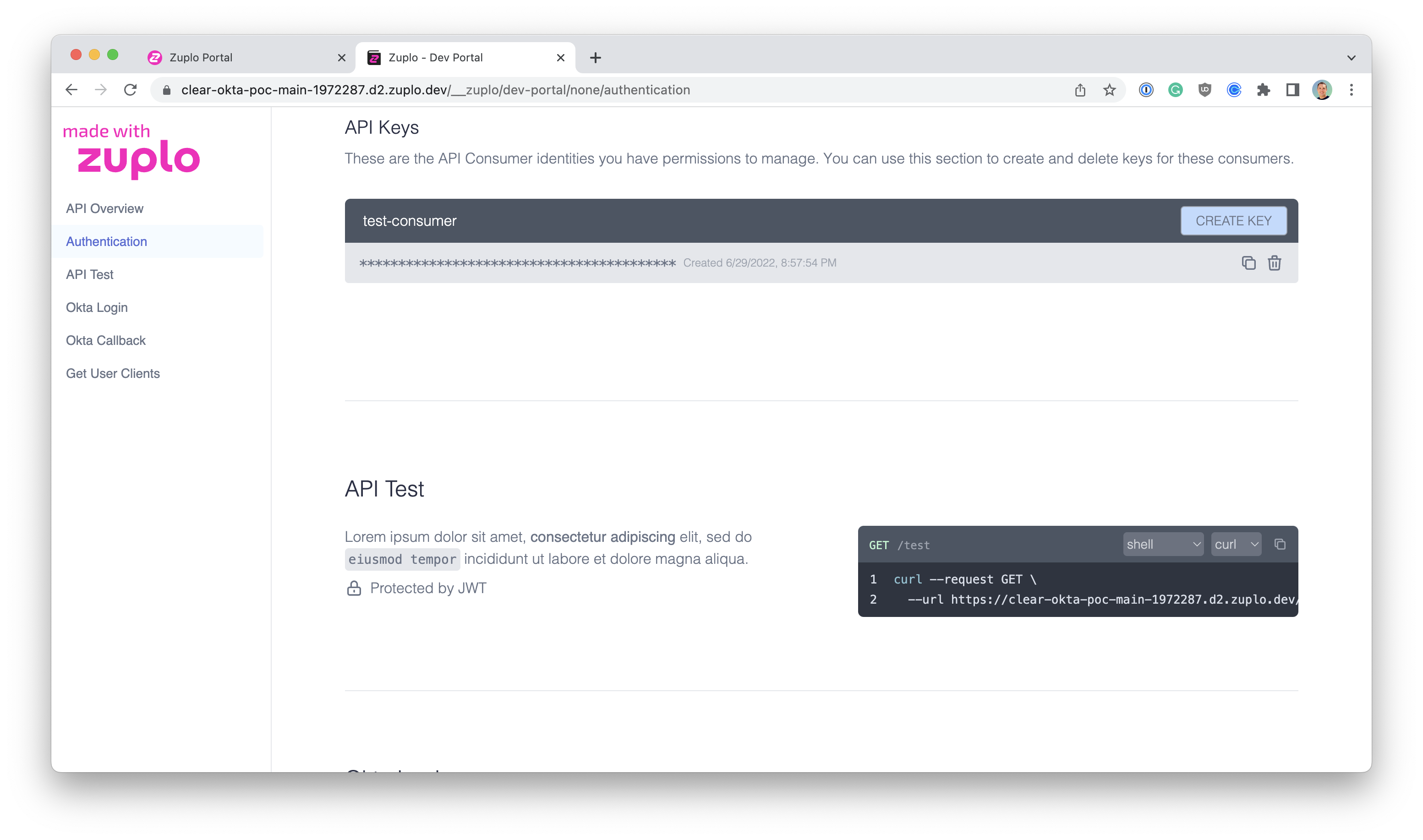
If you are using Zuplo's integrated developer portal to share your API with your end-users, you can easily enable API Key management to authenticated users of the portal.
When API Key Managers log into the Developer Portal they can copy, manage, or create new API Keys.
React Component and API
If you would prefer to integrate API Key management inside of your own portal and you are building with React, Zuplo offers an open source API Key Manager component that makes it easy to allow your users self serve access to their keys.
Additionally, you can use the Auth Translation API sample as a starting point for building your management API using Zuplo.
You can find a demo of this component at https://api-key-manager.com.
Zuplo Developer API
If you want complete control over the experience — for example, building an "API Keys" section directly into your product's settings page — you can use the Zuplo Developer API to manage the full lifecycle of consumers and keys from your own backend.
This approach works with any tech stack. Your backend authenticates users with your own auth system, then proxies requests to the Zuplo Developer API to create, list, rotate, and delete keys on their behalf. You control the UI, the access rules, and the onboarding flow.
For a complete implementation walkthrough including architecture, code examples, and security guidance, see Build Self-Serve API Key Management in Your Product. For the raw API operations, see Programmatic API Key Management and the Zuplo Developer API documentation.